How To Get The Awful Talking People Off ESPN.com

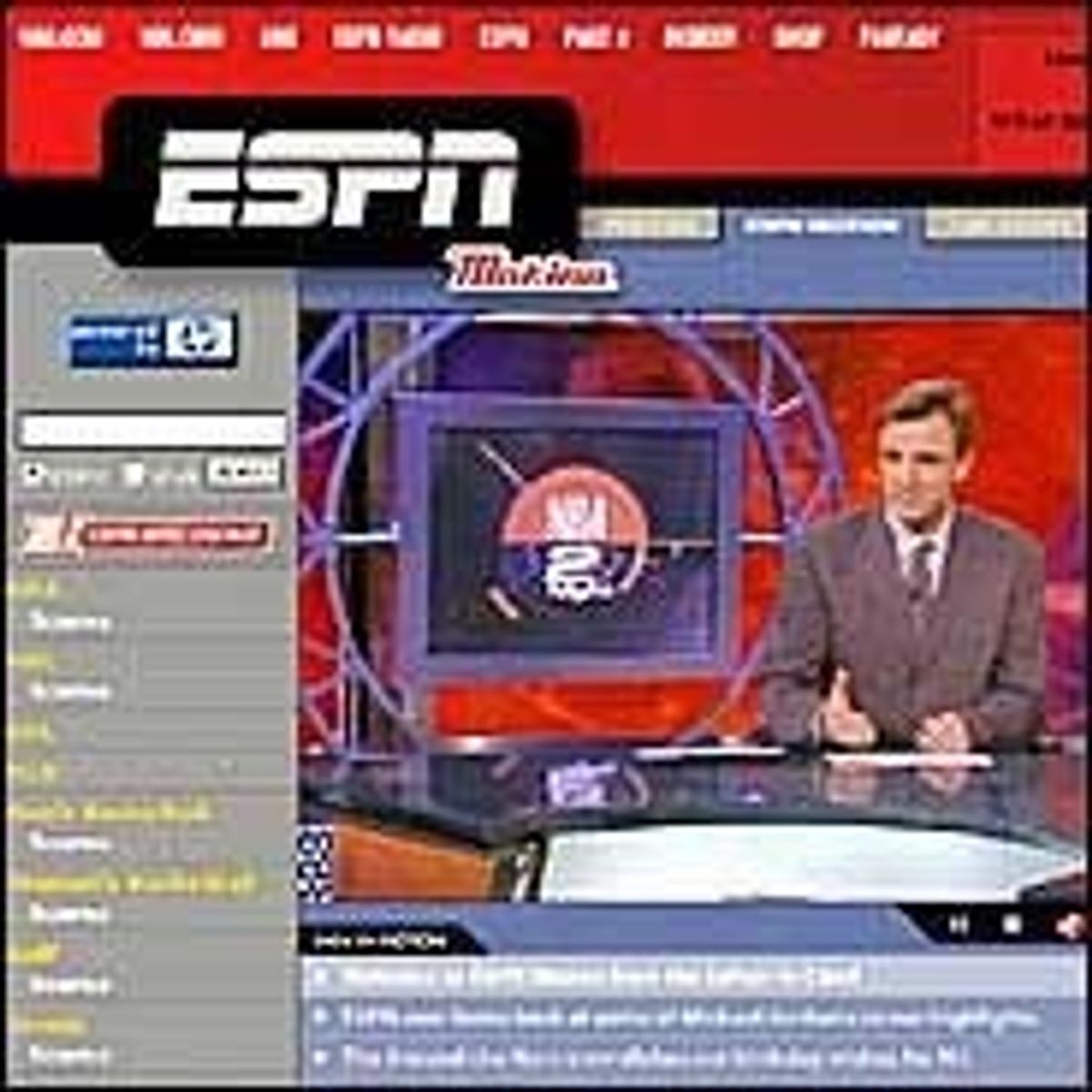
Like the rest of you, we find it endlessly infuriating that, when we head to ESPN.com, someone starts talking to us. It's loud, it's obnoxious, it's intrusive and it makes us want to keep our distance from their site. Until now, we didn't know you could do anything about it. But you can.
A helpful tech blogger who's smarter about this stuff explains the process of blocking the ESPN video, and we are extremely pleased to learn that it works. Here's a sampling.
# First, you need to be using Firefox. Please, if you're using a PC... just use Firefox. I'm willing to entertain arguments for Safari, but to be using Microsoft Internet Explorer at this point is just... wrong. Objectively wrong. Don't do it. Next, install the Adblock extension (which you should really be using anyway). Adblock, well, blocks ads online. It comes with a huge list of automatically-blocked ads, which is neat, but the great thing about it is that you can manually add other ads to the list. Like, I don't know... the ESPN Motion video that starts whenever you visit ESPN.com.
There are a couple more steps, but they're simple and effective. Liberate yourselves, sports fans of America!
How To Block ESPN Motion [Hello World]







Britney’s HCL Saga Shows How Murky High Stakes Poker Is

5 Fights the UFC Should Make After Rosas Jr. vs. Barcelos


- MLB Playoff Futures: Three Best Bets for the 2026 Postseason
- Eagles vs. Bears MNF Week 3 Betting Total Picks and Predictions
- Rams vs. Broncos Sunday Night Football Best Betting Pick
- MLB Best Bets: Three Picks for the Final Day of the Regular Season
- UFC Vegas 121 Underdogs: Why Alatengheili Is Worth a Look at +300
- UFC Vegas 121 Predictions: Best Bets for Saturday’s Fight Card
- UFC Vegas 121 Line Movement: Two Betting Favorites Have Completely Flipped